Before You Continue
ARAL Reading Basic materials shown in this demo are based on publicly accessible education documents. I do not claim ownership of those learning materials.
What I offer is the software experience: organized lesson flow, teacher controls, projector view, interactive activities, installer access, and license support.
This is an independent project by TechyPinoyTeacher, not a large business or official publisher. If this tool helps your class, your support helps me keep improving it for teachers.
ARAL Reading Basic
Choose a demo app, try the classroom reading flow, then contact Techy Pinoy Teacher on TikTok for purchase details.
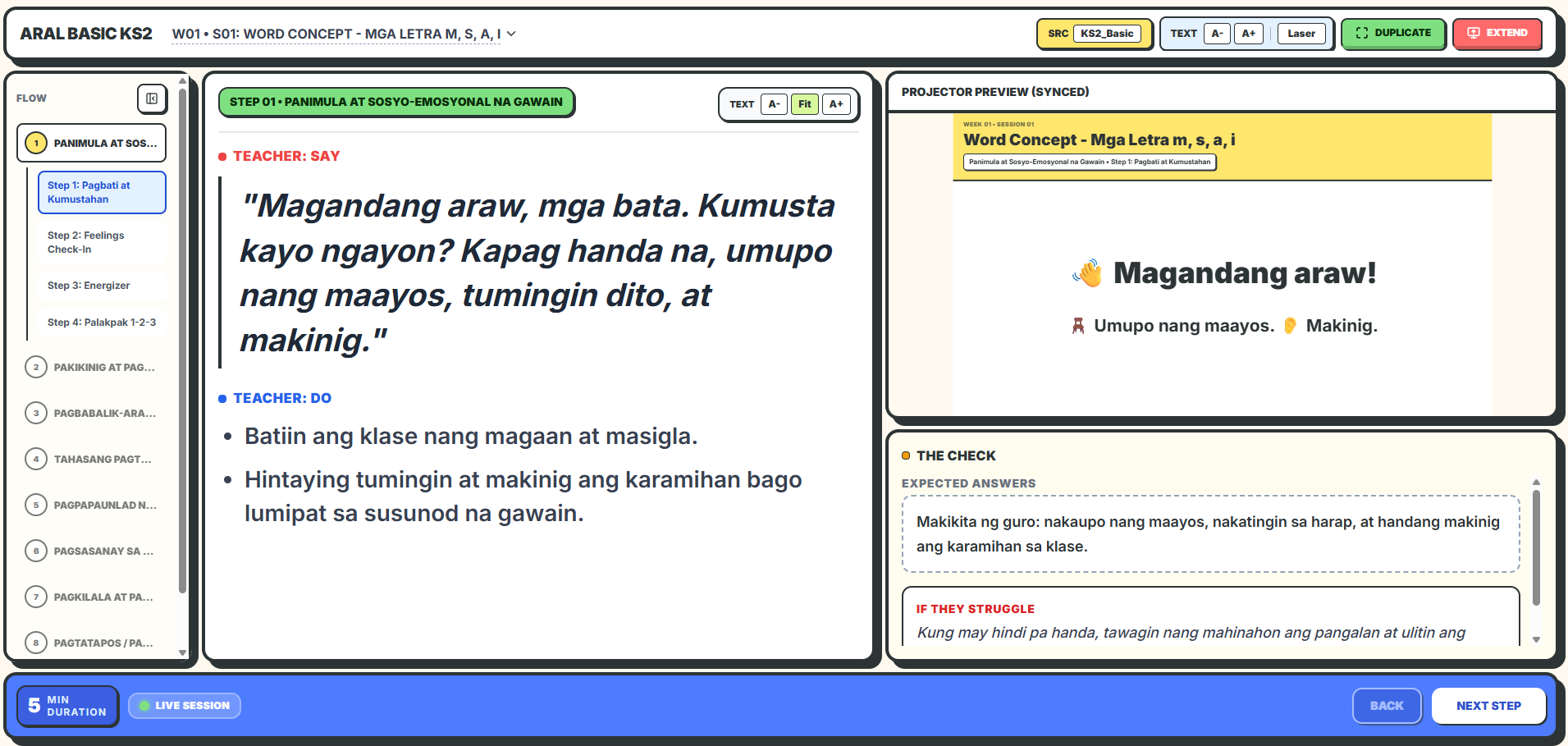
Interactive Dashboard
Open lessons quickly, move through sessions, and keep teacher controls in one simple classroom screen.
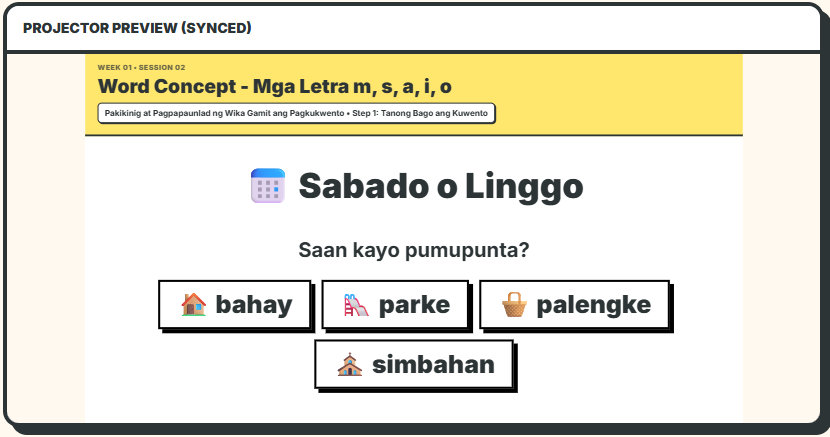
Synced Projector View
Show clean learner-facing materials while the teacher keeps guidance and controls on their own view.
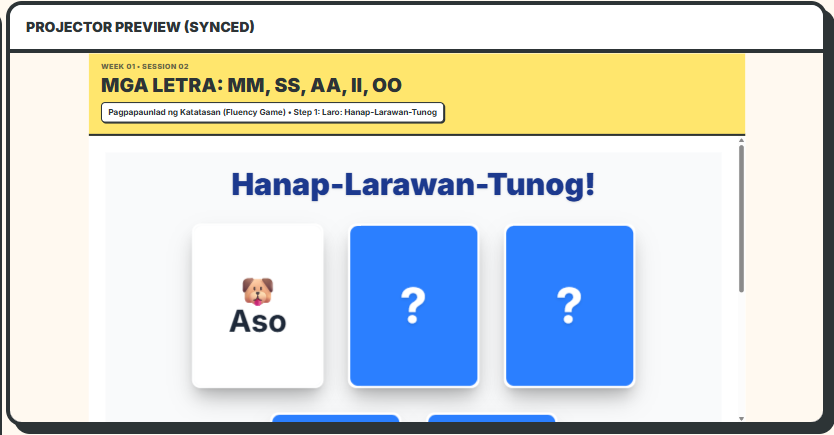
Engaging Interactive Games
Use built-in activities to make decoding, vocabulary, and comprehension practice feel active and focused.
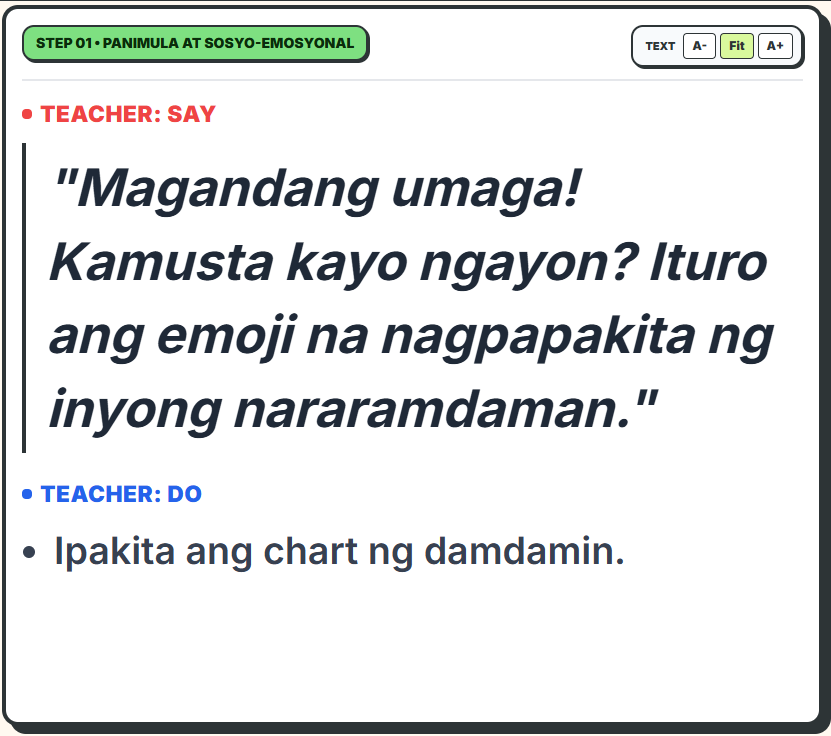
Comprehensive Teacher Guidance
Each activity includes prompts and steps so teachers know exactly what to say, ask, and do next.
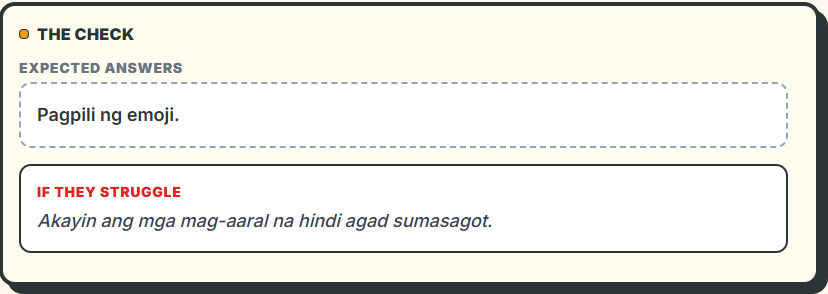
Guided Answers and Support
Expected answers and support cues help teachers respond faster during real classroom discussion.
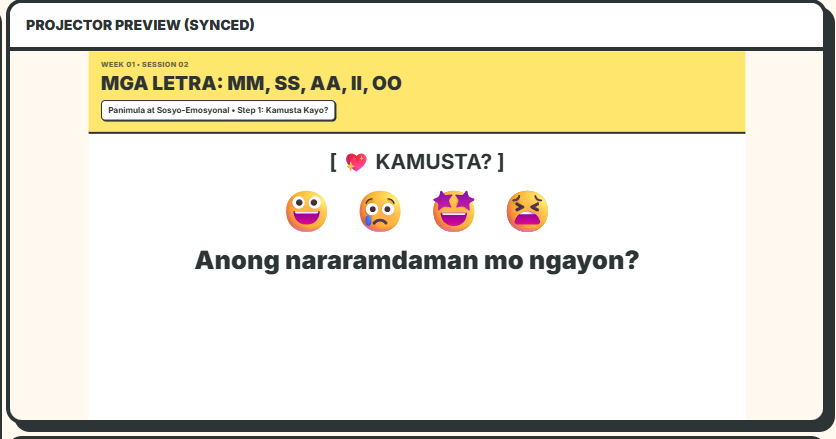
Rich Visual Materials
Display page visuals, reading materials, and activity screens clearly for projector-led instruction.
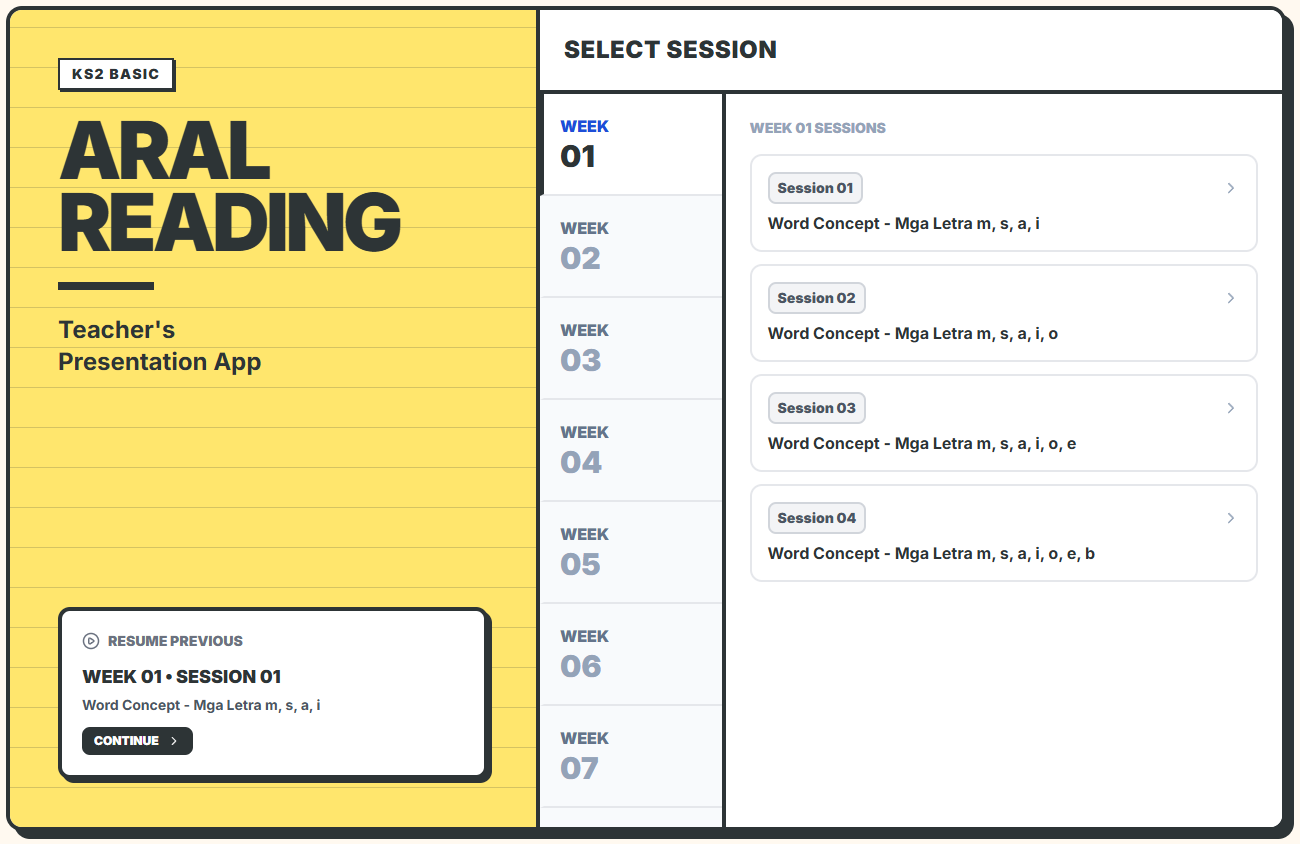
KS2 Demo
Explore the KS2 reading sessions, teacher controls, learner view, and workbook page viewer.
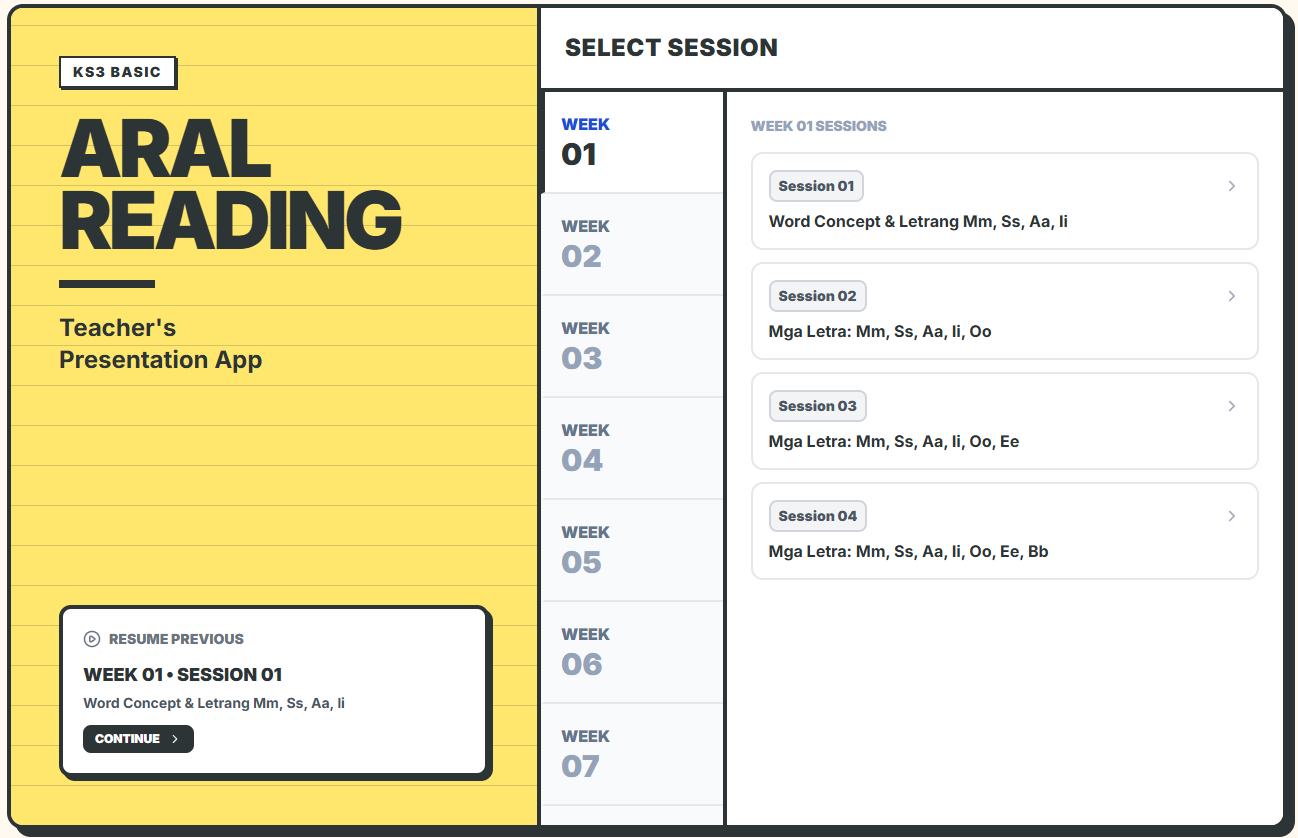
KS3 Demo
Open the KS3 app to try guided sessions, lesson materials, activity flow, and workbook pages.
How to Buy and Install
The whole flow is automatic: choose a license, pay through PayMongo QR PH, then use the license key sent to your email.
Watch How to Buy
This video shows the checkout, QR payment, email delivery, installation, and license activation flow.
Buy a License
After payment, your installer link and license key are emailed automatically.